# Taking Physiological Data Back into My Own Hands: Sharing a Data Architecture Built with AI, So You Can Do It Too
> How can a personal physiological journal connect Google Health, Python, SQLite, and Cloudflare? This article examines five-minute walking checks, daily physiological synchronization, three public data contracts, and the practical boundaries of AI collaboration.
- Author: Paul Kuo(郭曜郎)
- Date: 2026-10-21
- Pillar: Intelligence & Order
- Tags: AI Collaboration, Google Health, Fitbit, Python, SQLite, Cloudflare
- Canonical: https://paulkuo.tw/en/articles/physiology-data-ai-collaboration/
- Language: English
- Translation: AI-translated from the zh-Hant (Traditional Chinese) original
- Original (zh-Hant): https://paulkuo.tw/articles/physiology-data-ai-collaboration.md
- Site index for LLMs: https://paulkuo.tw/llms.txt
---
> This project retrieves my authorized Fitbit / Google Health data onto my computer, organizes dates, handles missing values, and checks an allowlist before publishing selected daily summaries. AI assists with design, implementation, and review; fixed program rules handle routine data processing and page summaries.
## Why Put My Physiological Data on a Website?
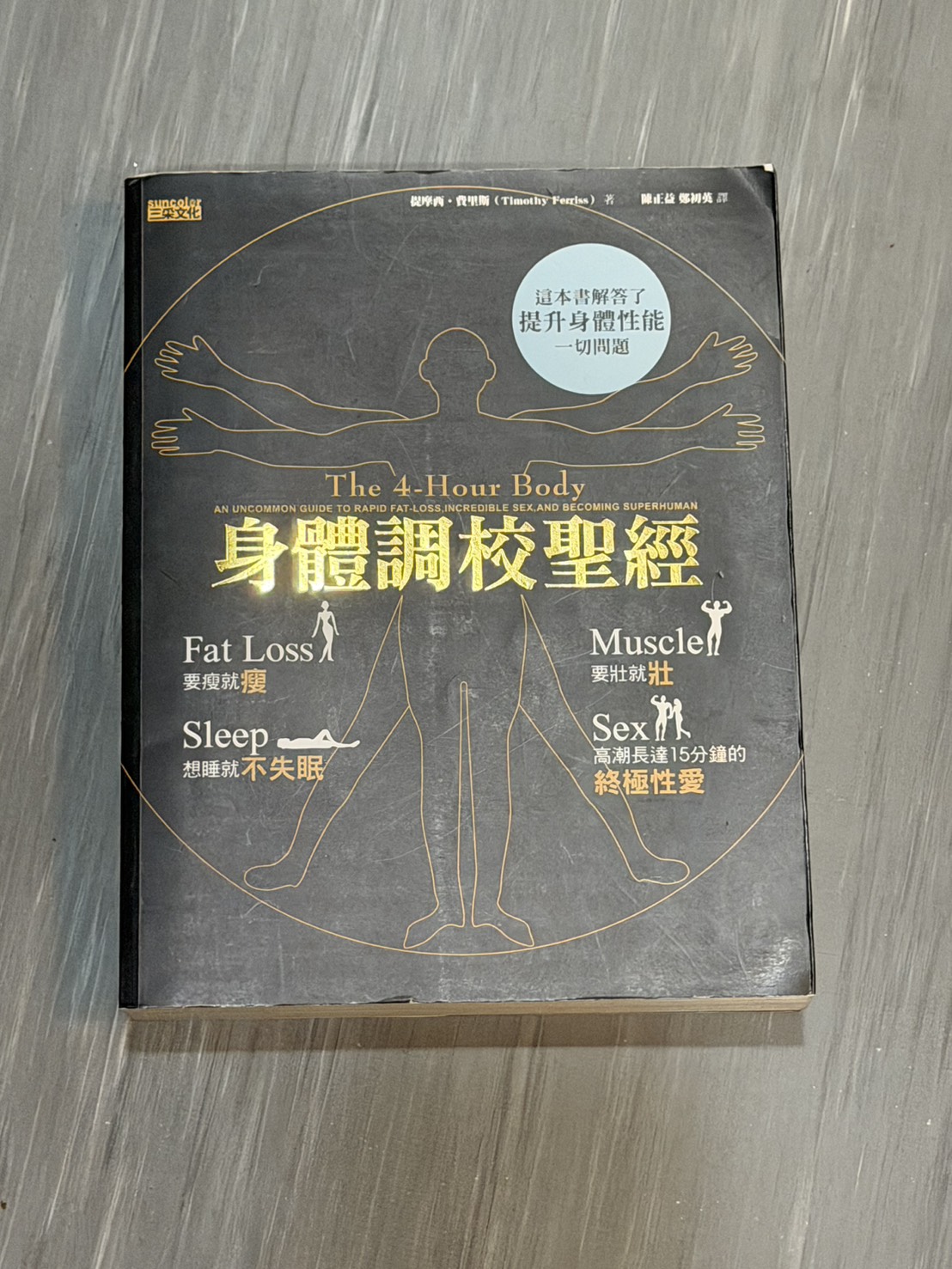
Many years ago, I read *The 4-Hour Body*, published in Traditional Chinese as 《身體調校聖經》. Since then, I have been passionate about understanding my body through data. For me, the idea that “without data, you cannot manage” applies to looking after my health, too.
The Traditional Chinese edition of The 4-Hour Body. Photo provided by Paul.
### Data Management Lessons from The 4-Hour Body
Tim Ferriss explores diet, training, and sleep through self-experimentation. Several ideas about measurement and tracking connect directly to this website.
- **Record a starting point.** Establish a baseline with measurements such as circumference and body fat, beyond weight alone. [Book excerpt](https://tim.blog/wp-content/uploads/2014/10/4-hour-body.pdf)
- **Keep measurement methods consistent.** Differences in tools, algorithms, or conditions can be mistaken for changes in the body. [Book excerpt](https://tim.blog/wp-content/uploads/2014/10/4-hour-body.pdf)
- **Keep records comparable over time.** The book’s companion resources link to Quantified Self and self-experimentation methods for tracking habits and bodily records. [Author’s resources](https://tim.blog/gear/)
- **Consider the minimum effective dose.** MED means the smallest intervention sufficient for a desired result, focusing on changes that matter. [Publisher’s excerpt](https://penguinrandomhouselibrary.com/book/?isbn=9780307463630)
I extend these ideas into this site’s design: retain sources and dates, use consistent definitions, and keep records available for review over time. This is an architectural influence; the book’s cases do not establish health benefits from this site.
Now, with AI, I have a better chance of putting that old aspiration into practice. I want to turn this interest into a data architecture that lets me keep recording, organizing, and looking back at my records.
I put my activity, sleep, and selected physiological records on a website to explain how the system works.
Every number on the site needs answers to a few questions: Where did the data come from? Which day does it belong to? Is it still accumulating? What appears when there is no record? What can be made public?
These questions determine whether a chart can be understood correctly. They also determine whether an automated workflow will continue sending uncertain results to the website after an error.
This article documents the October 2026 version: a continually updated daily physiological journal built with the Google Health API, local Python and SQLite, Cloudflare KV / Worker, and the website interface. It represents a different stage of the architecture from my [earlier exploration using Fitbit MCP, Apple Health exports, and deployment scripts](/en/articles/personal-health-data-infrastructure/). The focus here is on data sources, disclosure boundaries, and failure handling.
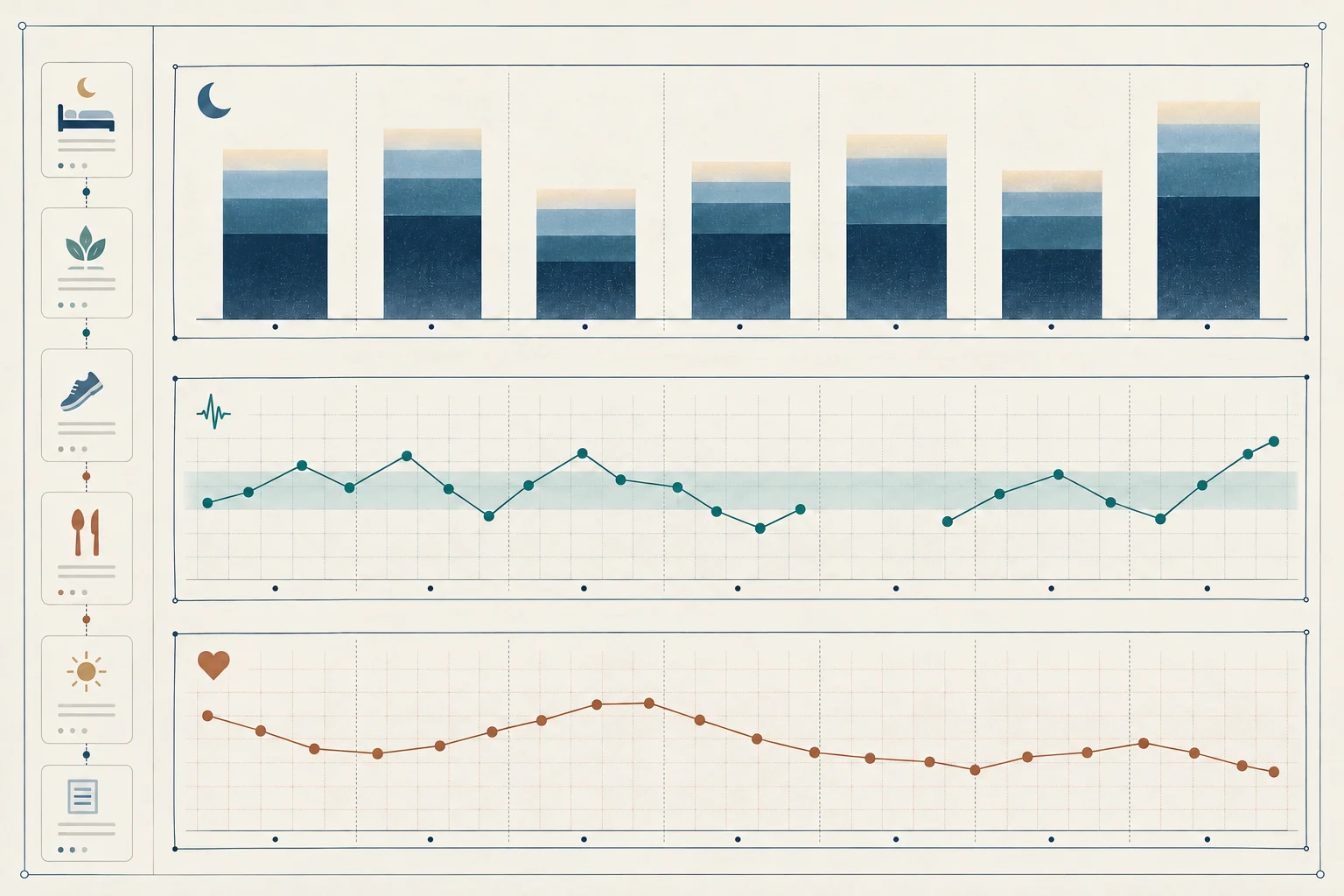
Illustrative data · Not Paul’s measurements
SleepHRVRHR
Sleep
Heart rate variability (HRV)
Resting heart rate (RHR)
AI-generated data illustration: daily records and trends for sleep, heart rate variability (HRV), and resting heart rate (RHR). All marks are illustrative, not measurements from Paul; shaded bands do not represent medical normal ranges.
## How Do Google Health, Python, and the Website Connect?
The workflow has four layers: collection, processing, publication, and presentation.
```mermaid
flowchart TD
A["Fitbit device and provider synchronization"] --> B["Google Health API"]
B -->|"Read-only data access authorized by me"| C["Local Python collection"]
C --> D["Private SQLite and restricted raw responses"]
D --> E["Date alignment, daily aggregation, missing values and conflicts"]
T["Local Takeout general history"] --> E
E --> F["Approved public allowlist and Node validation"]
F --> G["Cloudflare KV"]
G --> H["Worker read-only endpoints"]
H --> I["Astro / JavaScript website in four languages"]
J["AI collaboration: design, code, copy, and review"] -.-> C
J -.-> I
```
Solid lines show data flow; dotted lines show collaboration during development and maintenance. They do not mean physiological data is sent to a model on every update. Takeout is used only for general historical metrics and does not contribute to the personal reference bands for HRV or resting heart rate.
The wearable first synchronizes data with the provider's service. A local program then retrieves records using the authorized read-only Google Health data permissions. It verifies the account and Health identity, reads every page of query results, and writes the retrieved data to a local database. Raw API responses are stored in a restricted directory.
Here, “read-only” means that the program does not write back to Google Health. Local data processing and the authorized publication of public summaries have their own write workflows.
Data definitions also need to be established first. Google Health distinguishes daily, interval, and point-in-time data types, among others, and lists the permissions required for each. Metrics that appear similar cannot simply be treated as interchangeable. [Google Health data types](https://developers.google.com/health/data-types)
A separate program produces the public summaries and accepts only approved fields. After Node allowlist validation, the summaries are written to the existing Cloudflare KV store. A Worker serves them for reading, and the website presents charts and explanatory text. Routine data updates use KV and do not require redeploying the website each time.
## What Actually Updates Every Five Minutes?
The current scheduling design uses two frequencies.
On narrow screens, scroll the table horizontally.
Update frequency and scope
Workflow
Target schedule
Update scope
Walking update
Every five minutes
Daily cumulative steps and distance for today and yesterday
Full daily synchronization
Every day at 09:00 Asia/Taipei
Looks back over the last seven days; after success, updates the remaining approved summaries and the separate physiology section
Sleep, HRV, and resting heart rate are not recalculated by the five-minute walking workflow.
The two workflows share a lock to prevent concurrent collection and overwrites. Codex currently invokes a fixed local Python program on a schedule. Data processing and summary calculations follow program rules. The Mac and Codex must be running, and the network and upstream synchronization also affect actual execution time. Five minutes therefore describes the target check interval. If the device has not synchronized, querying more often will not produce new records.
Public data is divided into three contracts, with endpoints hosted at `api.paulkuo.tw`:
On narrow screens, scroll the table horizontally.
Public endpoints and contents
Endpoint
Contents
/health-journal
General daily summaries and one fixed mean heart rate value for today
/health-journal/history
Daily history for seven general metrics, excluding mean heart rate
/health-journal/physiology
Sleep, daily HRV, resting heart rate, and personal reference bands for the latest seven days
The seven general metrics are steps, distance, active calories, time asleep, mean oxygen saturation during sleep, breathing rate during the main sleep period, and skin temperature deviation.
Mean heart rate and resting heart rate are distinct metrics. Today's mean heart rate is calculated from data recorded up to the update time and fixed before the day's first remote publication attempt. Retries on the same day reuse that value, and five-minute walking updates do not recalculate it. It does not represent a full 24-hour average. If no verified value for the current day is available, it remains blank. Resting heart rate appears as a seven-day record in a separate approved physiological summary.
## How Can a Chart Preserve the Limits of Its Data?
I want readers to see the conditions behind each number as well as the number itself.
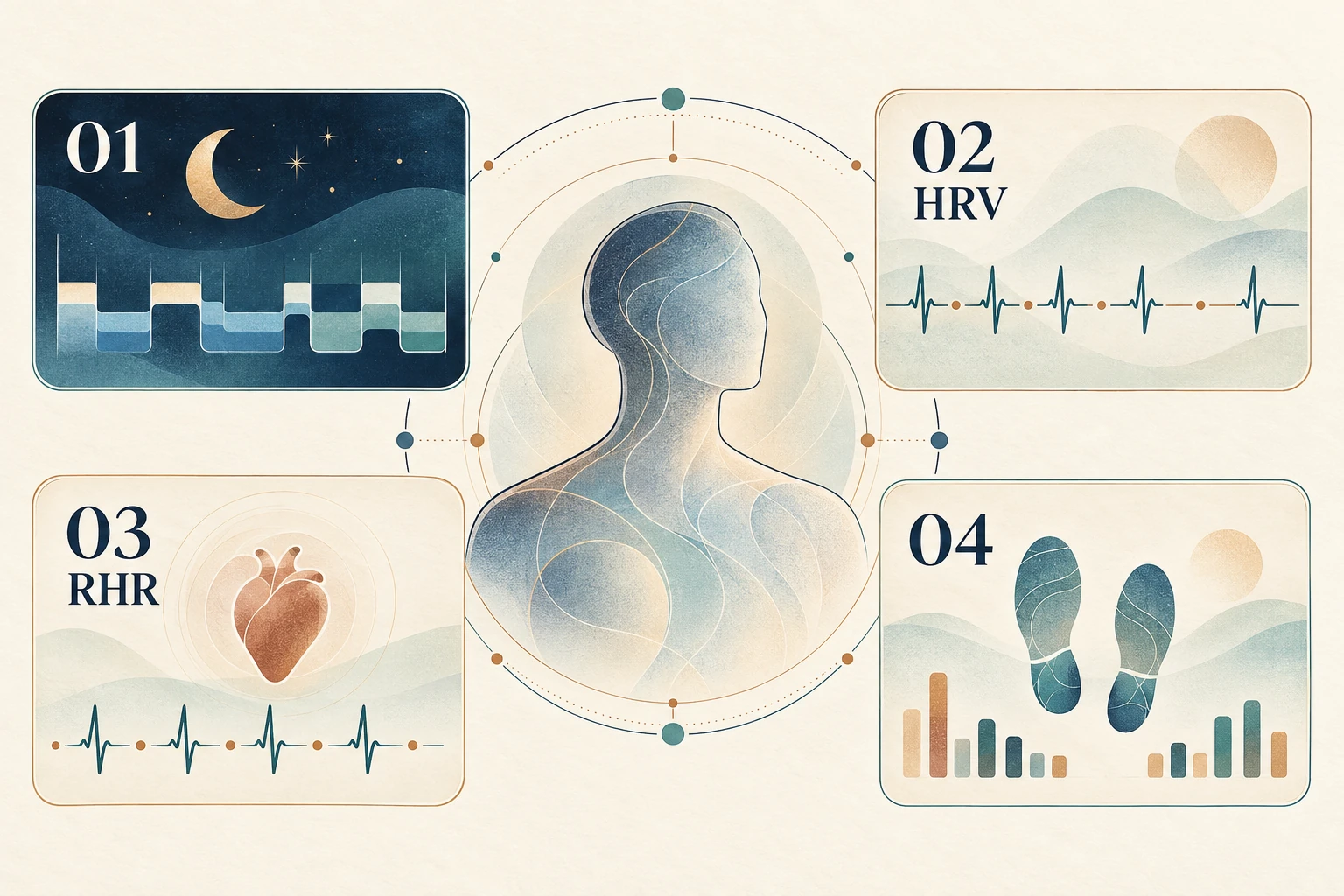
01Sleep
02Heart rate variability (HRV)
03Resting heart rate (RHR)
04Walking activity
AI-generated conceptual infographic: 01 sleep; 02 heart rate variability (HRV); 03 resting heart rate (RHR); 04 walking activity. All traces and shapes are illustrative; no measurements from Paul were used.
Steps and distance are aggregated by Taipei date, and today's values are still accumulating. Sleep is assigned to the waking date, while overnight metrics retain the provider's date. Sleep duration remains in minutes in storage and the API; the interface converts it to hours for easier reading.
Missing values remain blank or `null`; they are never filled with zero. Conflicting sources also leave a blank. Older data keeps its original date rather than acquiring today's label. Historical exports and recent API data are merged according to source rules to avoid double counting.
The physiology section appears near the top of the page. It presents sleep, daily HRV, and resting heart rate through one sentence, three supporting measures, and seven-day charts. HRV uses the original daily mean RMSSD value. Resting heart rate uses the `WITH_SLEEP` definition, which includes sleep data. [Google Health data point definitions](https://developers.google.com/health/reference/rest/v4/users.dataTypes.dataPoints)
For each assessment date, the personal reference band uses API data with the same definition from the preceding 28 days. It requires at least 21 valid days and calculates the median and the 25th to 75th percentiles. The assessment day itself is excluded, and unverified Takeout data is not mixed in. When there are too few valid records, the page displays “Establishing baseline.”
This reference band describes the distribution of recent records. Being inside it does not establish health, and being outside it cannot support a diagnosis. The page does not estimate remaining energy or use the band to assess exercise safety.
### How Do HRV and RHR Relate to Everyday Experience?
**HRV measures variation in the intervals between heartbeats.** It relates to autonomic regulation of the heartbeat, rather than beats per minute. Daily tracking offers a way to compare personal trends with sleep, stress, and habits, rather than rank a single reading against someone else's. [Google Health's HRV explanation](https://support.google.com/googlehealth/answer/14237938?hl=en)
**RHR measures heart rate at rest.** Temperature, emotions, pain, and medications can all affect heart rate; an elevated reading does not tell me its cause. [American Heart Association's heart rate explanation](https://www.heart.org/en/health-topics/high-blood-pressure/the-facts-about-high-blood-pressure/all-about-heart-rate-pulse)
I have noticed a clear pattern in my own records: whenever I drink alcohol, my HRV drops; when I feel unwell, sleep poorly, or become ill, my RHR rises noticeably. This is my personal observation, not a response everyone will necessarily share.
Personal observations × signals
My body, in two scenes
Illustrative data, not Paul’s measurements
HRV · Comparison exampleHRV after drinking
HRV · Illustration6842ms
HRVHRV falls↓
Comparison exampleChanged example6842msExample values, not Paul’s measurements
Schematic beat intervals
Less variation between intervals
RHR · Comparison exampleRHR with poor sleep or feeling unwell
RHR · Illustration6078bpm
RHRRHR rises↑
Comparison exampleChanged example6078bpmExample values, not Paul’s measurements
Illustrative heartbeat rhythm
Faster rhythm
Switch examples to see the character’s data badges, beat intervals and heartbeat rhythm change together. All numbers and signals are teaching illustrations, not Paul’s measurements, normal ranges or diagnoses, nor responses everyone will necessarily share. Animation can be paused and respects reduced-motion settings.
Research offers a point of comparison. A WHOOP-funded retrospective wearable study published in 2026 associated alcohol intake with lower nocturnal HRV and higher nocturnal RHR. This observational association cannot establish the cause of any particular change in my readings. [Original study](https://journals.plos.org/digitalhealth/article?id=10.1371/journal.pdig.0001284)
For me, these two measures give everyday experience a record I can revisit. Consistent definitions, comparable measurement conditions, and my own longer-term trends matter more than chasing a daily high or low. Numbers on a chart cannot replace how I feel or the symptoms I experience.
## What Did AI Do in This Project?
My role is to define requirements, decide what can be public, and confirm the results. AI helps break down the data workflow, write code, prepare copy in four languages, and check rules for dates, missing values, and public fields. Independent review helps identify issues that may have been overlooked in the original explanation or implementation.
The one-sentence summary currently shown on the page comes from predefined copy and fixed decision rules. Each update does not require handing the entire batch of raw physiological records to a model for reinterpretation.
This makes it possible to compare data sources, calculation rules, and displayed results one by one, and makes errors easier to reproduce. Completion still depends on program checks and actual read-back results.
The data boundaries also need to be explicit. In this pipeline, downloaded raw API responses and local credential files are stored in restricted local paths. The public layer receives only approved summaries. Google / Fitbit still hold the source data upstream. Prompts, code snippets, and tool outputs used in Codex collaboration may be processed by AI services. Running locally does not mean the entire process is fully offline.
This work has also shown me how specific requirements need to be when collaborating with AI. Beyond connecting the data, I need to define which values can be public, where the workflow stops when something fails, and what evidence confirms completion. These are questions of human–AI collaboration that I continue to explore under [Intelligence and Order](/en/ai/).
## Results Include What Happens When Something Fails
The system now connects private collection, daily summaries, and website presentation, with publication conditions encoded in the program. An incomplete query does not proceed to a new summary publication workflow.
When an upload outcome is uncertain, the walking workflow and the separate physiology section retain a fixed candidate, read back the public data for verification, and then decide whether to retry. The general daily summary fixes the day's mean heart rate and checks the public contents after publication.
The general summary's current and history data are currently written to two separate KV keys. These writes cannot be described as an atomic update. If only part of an upload succeeds, the two may briefly hold different versions. This engineering limitation needs to be stated plainly.
After publication, verification reads the public endpoints and compares content hashes and the `no-store` response header. This checks the content read back and the HTTP cache policy. It does not establish that every location worldwide receives new values at the same time. Cloudflare KV is eventually consistent, and propagation delays can still occur across locations. [Cloudflare KV consistency](https://developers.cloudflare.com/kv/concepts/how-kv-works/)
The results I can currently confirm are an established data workflow and presentation, explicit limits on public disclosure, and mechanisms to stop, verify, and notify when errors occur. These engineering results do not demonstrate improved health, diagnostic accuracy, or hours of work saved.
I want every number in [this physiological journal](/en/health/) to answer the same question: How did it get here, and what do we still not know about it?