I counted—just in the first two weeks of March, I saved nearly two hundred items in Get Note. Articles, podcast summaries, course notes from the Dedao app, verbatim transcripts of meeting recordings. When saving them, I always thought “I’ll definitely read this later.”
And then? There was no then.
Opening the app, everything was crammed into the same timeline—course notes mixed with grocery lists, that in-depth article about AI Agent architecture I saved three weeks ago buried somewhere under twenty other things I saved later.
This scenario must sound familiar. Friends around me share the same frustration: building beautiful databases that they abandon after three days of maintenance. Users of other tools struggle too—just agonizing over which plugins to use and how to design tag systems exhausts all their organizing energy.
The problem is clear: collection isn’t hard, organization is. And organization is hard because we treat it as a habit that requires “discipline” to maintain.
But discipline is the world’s most unreliable resource.
A Different Approach: What If Organization Didn’t Require Human Involvement?
One insight from the engineering capacity one person plus AI can achieve is: any process requiring continuous manual human intervention will eventually collapse. Not due to lack of discipline, but because the maintenance cost of manual processes grows linearly with data volume, while our attention doesn’t grow exponentially.
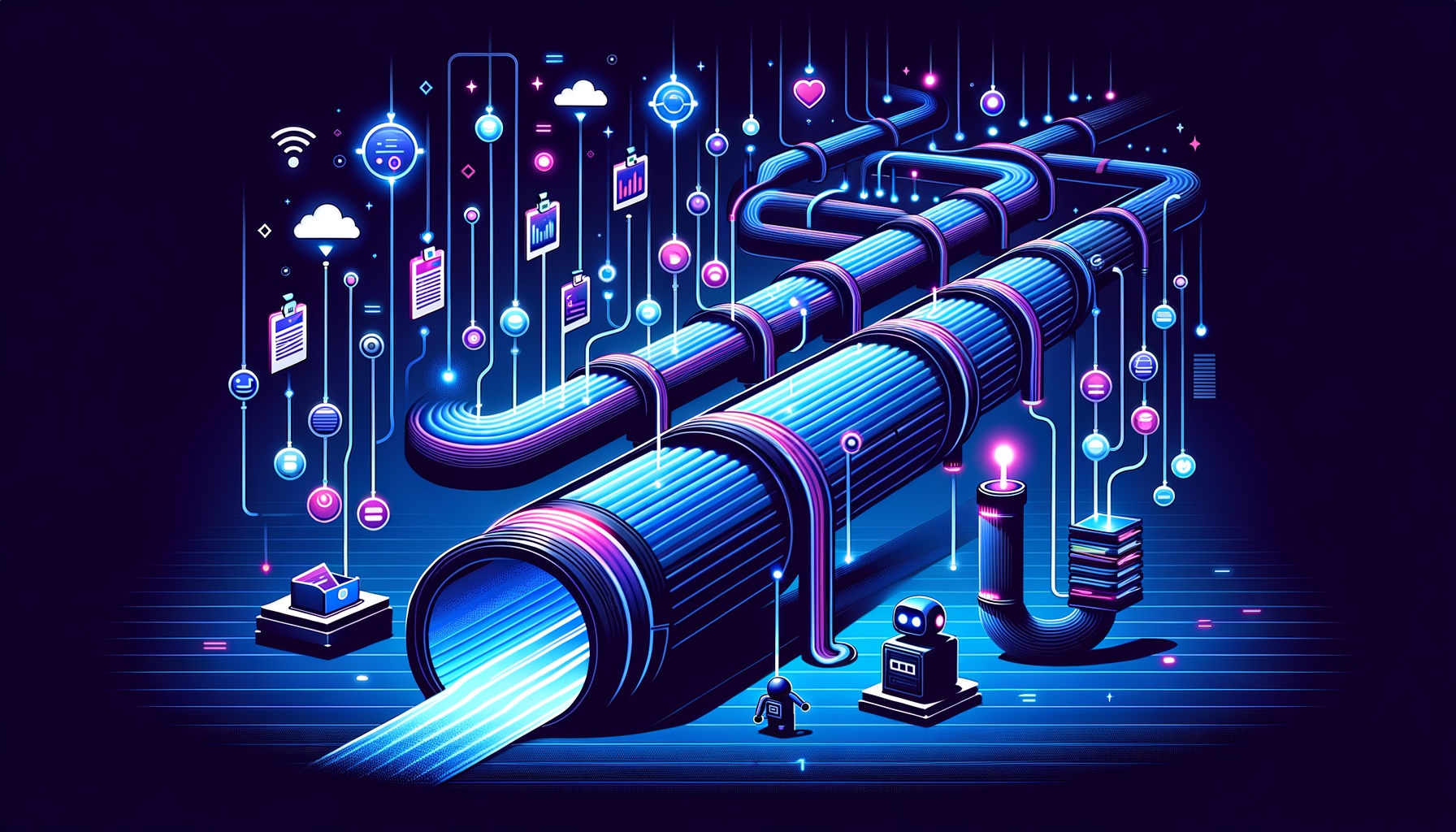
Software engineering has a concept called pipeline—data flows from A to B to C, each stage automatically triggers the next, no need for humans to stand by and monitor. CI/CD is a pipeline, ETL is a pipeline, even your dishwasher at home is a kind of pipeline: dirty dishes go in, clean dishes come out, you don’t need to stand there washing each one.
Could knowledge management become a pipeline too? I don’t know—let’s try building one and see.
Four Stages: Collection → Sync → Classification → Usage
Breaking down the entire pipeline, there are four stages. (For the full picture, check out this interactive flowchart.)
Collection happens on mobile. Get Note is my unified entry point: see a good article, save it; hear an inspiring podcast segment, save it; course notes from Dedao app sync automatically, no additional operation needed; drop meeting recordings in, AI automatically transcribes and summarizes. The key at this layer is “only one entry point.” Everything goes into Get Note, no dispersion.
Sync to local machine relies on a Python script. Get Note has an OpenAPI, so I wrote sync_notes.py, with crontab scheduled to run automatically at 23:00 daily. It only pulls new notes (incremental sync), converts them to Markdown format and stores them in the local notes/ folder. When I wake up, yesterday’s saved items are already quietly sitting on my computer.
Automatic classification is the most thoughtful part of the entire pipeline—and the part I’m most proud of.
Usage: classified notes can be searched directly with full-text search, or queried in natural language through Cowork Skill. “Help me find that article about lobsters,” and it searches the API and pulls back results. No need to remember filenames or which folder things are stored in.
Three-Layer Classification Engine: Letting Every Note Automatically Find Its Home
The classification engine is a three-layer fallback architecture. Each note runs from top to bottom, stopping at the first layer that matches.
The first layer is recording card detection. Get Note’s voice notes come with a “recording card note” tag. When the script detects this tag, it files the note into the meeting recordings folder. Inside, it’s further divided by keywords into eight project subfolders—SDTI ones, CircleFlow ones, investor meeting ones—each finding its proper place.
The second layer is course series detection, my most satisfying design. Course articles from Dedao app hide a courseArticleId parameter in their URLs. All articles from the same course share the same courseArticleId. My script parses this ID and compares it against a dynamic registry called _course_registry.json.
The brilliance of this registry is that it auto-expands. When the script encounters a never-before-seen courseArticleId, it doesn’t just sit there confused—it automatically creates a new folder, registers this course in the registry, and starts filing. Next time it encounters other articles from the same course, it knows where to send them.
I don’t need to modify code every time I start a new course. The system recognizes new courses by itself.
The third layer is keyword classification, the most straightforward but also most reliable fallback strategy. The script scans the note title plus the first 300 characters of content, comparing against a keyword library to sort into corresponding thematic folders: AI & Technology, Healthcare, Investment & Finance, Personal Growth, Life Miscellany… Items that don’t fit any category go into “Others”—at least they won’t disappear into the void.
The three-layer priority order is crucial: recording cards are most certain (with explicit tags), course series are secondarily certain (with structured IDs), keywords are fuzzy matching but have the broadest coverage. Every note definitely has a home.
Why Not Manual Tags?
During the pipeline building process, I repeatedly tried manual tag creation. Conclusion: it doesn’t work.
Not technically—it doesn’t work from a human nature perspective. When you save an article, your mind is thinking “this is so useful,” not “which layer of which tag system should this go into.” Requiring users to make classification decisions at the moment of collection is also a cognitive resource drain.
The second problem is tag drift. The tag system you set up in January feels wrong by March, but you can’t go back and retag hundreds of notes from the previous two months. The maintenance cost of tag systems is proportional to content volume, and it’s retroactive—changing rules once means reprocessing all historical data.
The advantage of automatic classification: when rules change, just rerun the script once. The cost is the same for one hundred or ten thousand items.
From “Organization” to “Retrieval”
After building the pipeline, what changed my workflow wasn’t just faster “organization”—“retrieval” became much more user-friendly too. I can directly access data in Claude’s interface and output the content I need.
Previously, saved items were as good as unsaved because they were inconvenient to find. Now I can directly say in Cowork “have I saved any articles about circular economy recently?” The Skill will search the API and list matching notes with summaries. I can say “help me check where I left off in Wan Weigang’s course,” and it reads the progress index in _series_meta.json.
The goal of knowledge management isn’t to “store well”—it’s to “be able to use.” The pipeline solves not just organization problems, but fills the chasm between collection and usage.
This follows the same logic as AI-Ready continuous optimization at paulkuo.tw: don’t make people adapt to systems, make systems adapt to people. Leave website optimization to automatic loops, leave knowledge organization to automatic pipelines. Reserve human energy for things that truly require judgment.
One Pipeline, One Attitude
Looking back, this pipeline isn’t technically complex. One Python script, one crontab schedule, one JSON registry, one Cowork Skill. No machine learning, no vector databases, no sophisticated NLP.
But it solved a problem that had been bothering me.
Previously, whenever I saw knowledge management articles, I’d be attracted by the “building a second brain” narrative, then spend a weekend building Notion templates, designing tag systems, writing usage guidelines—only to return to square one two weeks later. Not because the tools were bad, but because that approach essentially bets against human nature: it bets you’ll have the energy to manually organize every day. But I can’t possibly have sufficient focus every day.
Pipeline thinking doesn’t bet on human nature. It bets on stable APIs, punctual cron, and correct program logic. The reliability of these three things is higher than anyone’s discipline.
If you’re also anxious about knowledge management, my suggestion isn’t to find better apps or prettier templates. Instead, collaborate with AI, let go of traditional SOPs, and ask yourself: in the process, which steps don’t actually need me? Which can be delegated? Hand over the steps that don’t need you to pipelines and AI. Keep “reading, thinking, connecting, creating” for yourself.
I think that’s what knowledge management should look like. Of course, this is my personal version—you can develop your own.
Pipeline Output Examples
- AI Lobster Decameron — Ten live dialogue sessions by Kuaidao Qingyi, co-founder of Dedao App, synchronized through the knowledge pipeline and structured by AI into an overview page.

💬 Comments
Loading...